Release 102 (April 28, 2026)
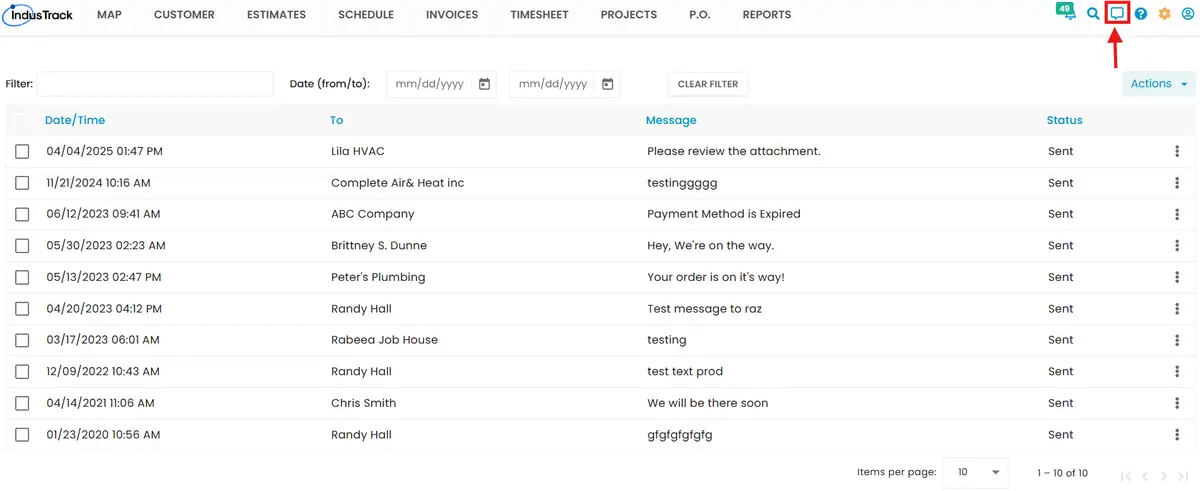
Release 102 updates UI styles and layouts, updates the logo, lets you cancel your subscription from Settings, removes the chat feature, and fixes bugs to improve stability.
New features
-
New IndusTrack logo: the logo is updated across the website and mobile app.

-
Cancel your subscription: you can now cancel your account subscription directly from the Subscription settings.
Improvements
- The Breadcrumb Report now uses your browser's timezone when retrieving data, matching the vehicle tracking reports.
- Improved the styles and layout of the Subscription screen in Settings.
- Optimized the QuickBooks Online sync of customers.
Bug fixes
- Fixed an issue where edits to customer names in IndusTrack did not show in QuickBooks Online after the sync cycle.
- Fixed customers deleted in IndusTrack still appearing in QuickBooks Online after syncing.
- Fixed the Miles by State report showing the wrong state for some addresses.
- Fixed an issue that prevented saving a purchase order created on the job creation page.
- Fixed the sync status field in IndusTrack not showing which items were syncing with QuickBooks Online.
- Fixed customers created in QuickBooks Desktop not appearing in IndusTrack after the sync cycle when IndusTrack was set as the primary system in two-way sync.
- Fixed terms deleted in QuickBooks Desktop still appearing in IndusTrack after syncing when the sync direction was one-way (QuickBooks to IndusTrack).
- Fixed customers deactivated in IndusTrack not being deactivated in QuickBooks Online with two-way sync.
Breaking changes
-
The chat icon and messaging feature have been removed from IndusTrack.
Known issues
None.
Was this article helpful?
Contact support